
WoolBet casino Login and Sign Up: Getting Into Your Account the Easy Way
Signing up at a new site should take a couple of minutes, not half an evening. This page walks through the whole entry process: opening an account, logging in on a laptop or phone, sorting out the usual access problems and getting the account verified so withdrawals go through without delays. It also covers the welcome offers you can claim as soon as the account is live and the ways to reach support if something goes wrong.
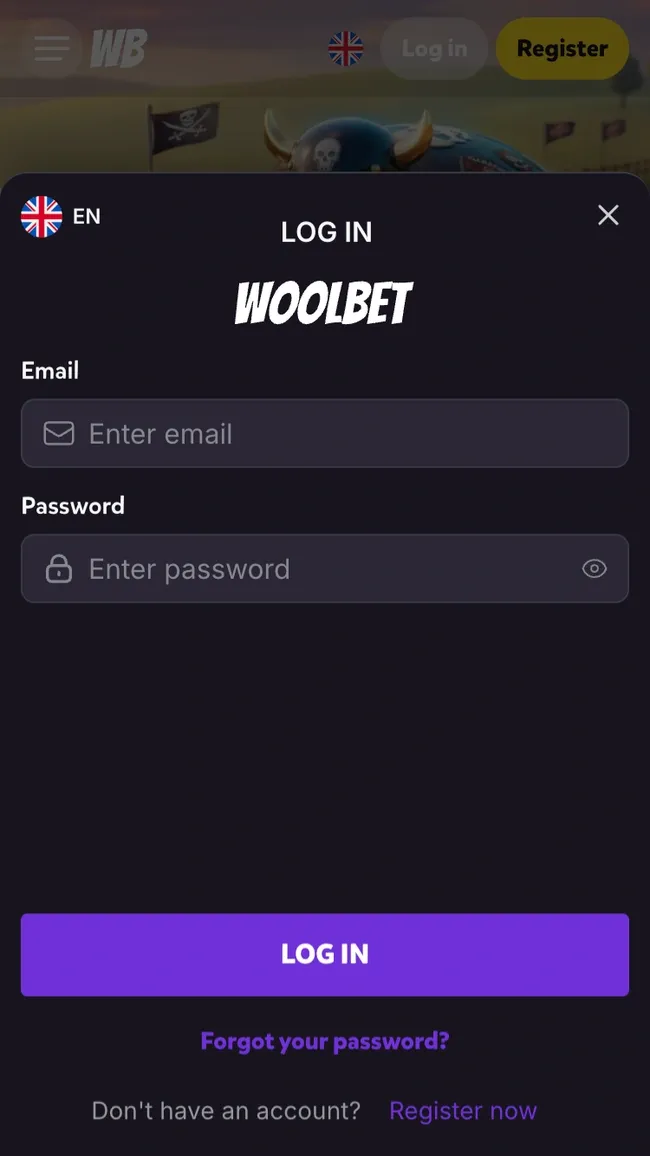
The site runs in the English language, and every balance is shown in USD. So when you see a figure like $50 below, that is exactly how it appears in the cashier. Keep that in mind if your bank card is in pounds, because your bank may add a small conversion fee.
How to create your WoolBet account step by step
Registration is a short form with a handful of fields. Nothing here is unusual, but the details you enter now matter later, since they have to match your documents during verification. Use your real name, your current address and an email you actually check.
Here is the order things happen in:
- Open the site and press the Sign Up button in the top right corner.
- Enter your email address and create a password with at least eight characters, mixing letters and numbers.
- Pick USD as your account currency. It cannot be changed later without contacting support.
- Fill in your first name, last name, date of birth and country of residence.
- Tick the boxes confirming you are over 18 and accept the terms and the privacy policy.
- Confirm the form and click the activation link sent to your inbox.
Once the email link is clicked, the account is active. You land straight in the lobby, already signed in. There is no waiting period and no manual approval at this stage.
A small tip that saves trouble later: write down which email you used. Players with two or three mailboxes often forget, and then the password reset goes to the wrong place. Wool Bet casino only allows one account per person, so registering a second time with another address is not a fix. It can lead to both accounts being blocked.
Signing in to Wool Bet on desktop and phone
After registration, getting back in is quick. On a computer, click Log In, type your email and password, and you are in. The site remembers your device if you allow it, so on a home laptop you may stay signed in for days.
On a phone, the process is the same in any mobile browser. The layout shrinks to fit the screen, and the login button sits in the top menu. Many players save the site to their home screen, which turns it into a one-tap shortcut. The mobile version of WoolBet online casino gives you the same balance, the same games and the same cashier, so there is no separate account to manage.
Here is a short comparison of the two options:
|
Device |
Where to log in |
Stays signed in |
|---|---|---|
|
Desktop or laptop |
Log In button, top right |
Yes, if you allow it |
|
Phone or tablet browser |
Menu icon, then Log In |
Yes, until you log out |
|
Home screen shortcut |
Opens the site directly |
Yes, same as browser |
A few practical habits make daily access smoother. Bookmark the main address once and always use that bookmark. Keep your browser updated, since outdated versions sometimes fail to load the game windows properly. If you switch between a phone and a laptop during the same evening, your balance and any active bonus follow you, so there is no need to log out on one device before opening the other.
One thing to watch on shared computers. Always log out when you finish and never let the browser save your password there. It takes five seconds and protects your balance and your personal data.
When the WoolBet online casino login page refuses to let you in
Most access problems come down to a few simple causes. Before writing to support, run through the checks below. They solve the majority of cases in a minute or two.
- Wrong password: passwords are case sensitive, so check that Caps Lock is off.
- Forgotten password: use the Forgot Password link and follow the reset email.
- No reset email: look in the spam and promotions folders, then wait a few minutes.
- Page will not load: clear the browser cache or try a different browser.
- Account locked: too many failed attempts trigger a short lock, so wait and try again.
- Old link: use the main address of the site rather than an old bookmark.
If none of that works, the issue is probably on the account side. A block can happen when documents are overdue, when the system spots a duplicate profile, or when a self-exclusion is active. In those cases only support can help. Players using WoolBet casino online on a work network sometimes find the site blocked by the company firewall, so a home connection or mobile data is worth trying too.
A good habit is to keep your login details in a password manager. It removes typos and makes the Forgot Password route almost unnecessary.
Welcome bonuses you can claim after registering at WoolBet casino
The welcome offers are available right after registration. You do not need to play for a week or reach a level first. Once the account is open and you make a qualifying deposit, the bonus can be activated from the cashier or from the promotions page.
There are three welcome options, and you choose the one that fits how you play:
|
Offer |
Match |
Maximum bonus |
Extras |
|---|---|---|---|
|
Casino welcome pack |
303% |
$6,006 |
303 free spins |
|
Sports welcome |
50% |
$50 |
None |
|
VIP welcome |
383% |
$27,662 |
Tailored to high deposits |
The casino pack is the main one for slot fans at Wool Bet casino. The free spins are tied to selected slots, and the bonus money carries a wagering requirement shown in the offer terms. The sports offer is smaller and suits players who mostly bet on football or tennis. The VIP welcome is meant for large first deposits.
How do you pick? Think about where most of your money will go. If you mainly spin slots, the casino pack gives the most value per deposit. If you mostly bet on matches, the sports offer is simpler to clear. Only one welcome option can run at a time, so choose before you confirm the payment.
Read the bonus terms before you deposit, not after. They list the wagering multiplier, the time limit, the maximum bet while the bonus is active and the games that count. Some payment methods may be excluded from bonuses, so check that too. The full breakdown sits on the bonus page of the site.
Account verification and the documents WoolBet asks for
Verification, often called KYC, confirms that you are who you say you are. It is a standard step at licensed sites and protects both sides: the casino meets anti money laundering rules and you get proof that nobody else can cash out your winnings.
You will usually be asked for three things:
- A photo ID, such as a passport, driving licence or national ID card.
- A proof of address, such as a utility bill or bank statement dated within the last three months.
- Proof of your payment method, for example a card photo with the middle digits covered.
Uploads are done from the Verification section of your profile. Photos should be sharp, in colour and show all four corners of the document. Blurry pictures are the most common reason for rejection.
Make sure the name on every document matches the name on the account exactly. A missing middle name or a maiden name on an old bill can cause a delay. If your address changed recently, a bank statement is usually easier to get than a utility bill. Screenshots of online statements are normally fine as long as your name, address and the date are visible.
Checks normally take a day or two, though busy periods can stretch that. The best time to verify is before your first withdrawal, not during it. Players at casino WoolBet who upload everything on day one usually see their first payout move through with no extra questions.
Getting help from the support team
Support is the fallback for anything the checks above do not fix. The team works around the clock, and English support is available on every channel. That matters for UK players, because nobody wants to explain a frozen withdrawal through a translation tool.
These are the ways to get in touch:
- Live chat, opened from the speech bubble icon on any page.
- Email, through the address listed on the contacts page.
- The help centre, with articles on payments, bonuses and verification.
Live chat is the fastest route for login trouble. Have your registered email ready and describe the problem in one or two sentences. Never share your full password in chat. A real agent will not ask for it.
For document questions, email works better, as you can attach files and keep a written record. WoolBet casino online support also handles requests to set limits or close an account, so you do not need to look for a separate department.
Keeping your WoolBet login safe and private
A strong password is the first line of defence. Use one that you do not use anywhere else, and change it if you ever suspect someone has seen it. A long phrase made of four random words is easier to remember and harder to crack than a short jumble of symbols.
The site uses SSL encryption, so data travelling between your device and the servers is scrambled. You can confirm this by checking for the padlock icon next to the address bar. If the padlock is missing, close the page and type the address again by hand.
Be careful with links in emails or messages that claim to come from the casino. Phishing pages copy the real design to capture passwords. When in doubt, open the site yourself instead of clicking. The genuine WoolBet betting and casino pages will never ask for your card PIN or full card number in an email.
Questions players ask about the WoolBet casino login
The answers below cover the topics that come up most often in WoolBet live chat. They are short on purpose, so you can find what you need quickly.
How long does registration take?
Around two to three minutes. The form has six or seven fields, and the account goes live as soon as you click the email link.
Can I log in with the same account on my phone?
Yes. One account works on every device. Use the same email and password in your phone browser.
What if the registered email address is forgotten?
Contact support through live chat. Give your full name and date of birth, and an agent can help you find the account after a few security questions.
Is the welcome bonus available straight away?
Yes. All three welcome offers can be claimed right after registration with your first qualifying deposit.
Do I need to verify before I can play?
No. You can deposit and play first. Verification is required before your first withdrawal, though doing it early speeds things up.
Can players from UK register?
Yes, registration is open, and the site supports the English language throughout. Check the local rules that apply to you before you sign up.
What happens if I enter the wrong password several times?
The account locks for a short period as a safety measure. Wait a little and try again, or reset the password.